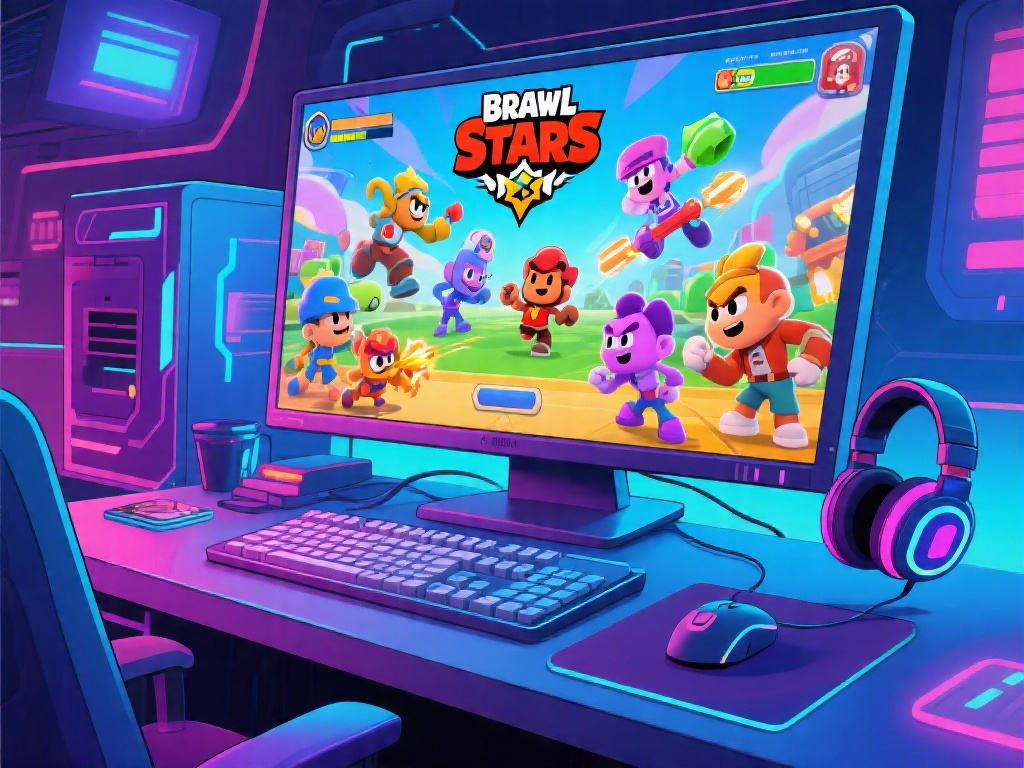
How to Play Brawl Stars on Your Computer: Ultimate Guide
Are you a Brawl Stars enthusiast looking to expand your gaming horizon? If you've ever wondered, "Can you play Brawl Stars on computer?" then you're in the right place. In this ultimate guide, we'll delve into the possibility of playing Brawl Stars on your computer, the necessary setup, and some tips to enhance your gaming experience.
Can You Play Brawl Stars on Computer?
Yes, you can play Brawl Stars on your computer! Thanks to the power of emulators and remote play, you can enjoy this popular mobile game on your PC. But before you dive in, there are a few things you need to know.
Setting Up Brawl Stars on Your Computer
1. Choose the Right Emulator: The first step is to choose a reliable emulator that supports Android games. BlueStacks and NoxPlayer are popular choices.
2. Download and Install the Emulator: Visit the emulator's official website and download the setup file. Follow the installation instructions to install it on your computer.
3. Sign In with Your Google Account: Once the emulator is installed, sign in with your Google account to access the Google Play Store.
4. Install Brawl Stars: Search for "Brawl Stars" in the Google Play Store, download, and install the game.
5. Configure Your Controls: Adjust the controls to your liking. You can use your keyboard or connect a gamepad for a more comfortable gaming experience.
Tips for Playing Brawl Stars on Computer
- Use a Gamepad: For the best experience, use a gamepad. It provides better precision and control.
- Optimize Performance: Adjust the emulator's settings to optimize performance. Lower the graphics settings if you're experiencing lag.
- Stay Updated: Keep your emulator and Brawl Stars game updated to ensure compatibility and performance.
Conclusion
Playing Brawl Stars on your computer is not only possible but also offers a new level of convenience and control. By following this guide, you can now enjoy this mobile game on your PC and take your gaming to the next level. So, what are you waiting for? Dive into the action and discover new strategies with your friends on the big screen!
Remember, the world of Brawl Stars is vast, and there's always something new to learn. Stay tuned for more strategy guides and updates on the latest in-game events.