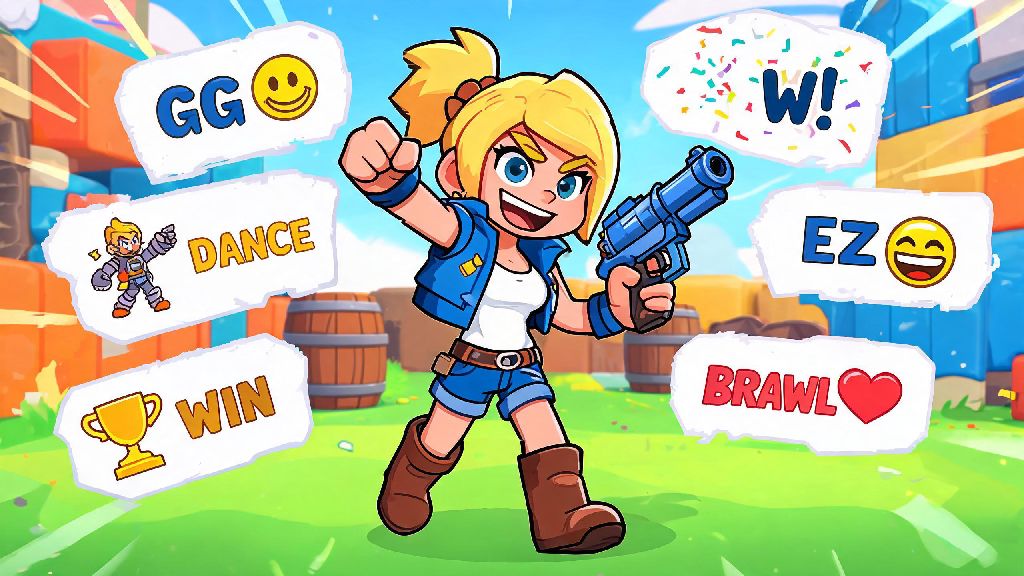
If you’ve ever spawned into a Brawl Stars match and seen opponents flick funny custom sprays on the map after scoring a Brawl Ball goal or taking out your entire team, you’ve probably wondered how to swap out your default spray for something more personal. Learning how to change sprays in Brawl Stars is one of the easiest small upgrades you can make to your gameplay experience, and it takes less than a minute to do once you know where to look. Most new players skip over cosmetic customization entirely when they first start playing, but sprays are a low-effort way to show off your personality, celebrate wins, or even tilt rival teams a little without breaking any game rules.
How to Change Sprays in Brawl Stars: Exact Step-by-Step Process
The process to swap your equipped sprays is straightforward, even if you’ve never opened the customization menu before. First, open Brawl Stars and tap your player profile icon in the top left corner of the main home screen. This will pull up your stats, recent matches, and all customization options for your account. Next, tap the Customize button on the right side of your profile page, right below your player level and trophy count. Scroll down until you see the Sprays section, then tap the slot you want to edit (you can unlock up to 3 spray slots as you level up). Select the spray you want to equip from your unlocked collection, then tap save to confirm the change.
If you don’t see extra spray slots, don’t panic. You unlock the second slot at level 10, and the third at level 20, so you’ll have more space to rotate your favorite designs as you play more matches. You don’t have to pay for extra slots, they unlock automatically as you gain experience. You can change your sprays as often as you want between matches, there’s no cooldown or cost to swap them out, so you can adjust your selection to match the event you’re playing or the group of friends you’re queued with.
How to Unlock New Sprays for Your Collection
If your current spray collection only has the default designs you got when you signed up, you can earn dozens of free and paid sprays through regular gameplay. You don’t have to spend real money to get fun, unique designs, there are multiple free ways to build out your collection over time:
A lot of players make the mistake of passing up free spray rewards when they’re focused on unlocking new brawlers or skins, but exclusive event sprays can’t be earned again once the event ends, so they’re a fun way to show you’ve been playing for a long time. I once passed up a limited-edition El Primo spray during a summer event and still regret it, so I always prioritize spray rewards first now, even if the other challenge prizes are just coins I don’t need. Rare limited-edition sprays are often more unique than paid skins because only a small number of players complete the challenges required to earn them.
Best Practices for Using Sprays During Matches
Once you’ve set up your preferred sprays, you might be tempted to spam them every 10 seconds during matches, but there’s a right and wrong way to use them without annoying your teammates or getting reported. First, only use sprays during safe moments when you don’t have to focus on fighting or objectives, like right after you respawn, when you’re waiting for a new round to start, or immediately after scoring a goal in Brawl Ball. Spraying while you’re standing in the middle of a fight will just get you eliminated faster, and your teammates will be frustrated that you’re not paying attention.
Never spray your own team’s goal or spawn point to troll teammates, that’s a quick way to get reported for negative play, and you could get a temporary chat or play ban if multiple people report you. If you want to be playful, spray near an enemy you just took out, or right next to the objective you just captured to tease the other team. It’s all in good fun as long as you don’t target your own side. You might also want to rotate your sprays every few days to keep things fresh, especially if you play with the same group of friends regularly. They’ll notice the new designs, and it’s a fun way to reference inside jokes or show off your latest event wins.
Common Spray Issues and How to Fix Them
Even if you follow all the steps to change your sprays correctly, you might run into small issues from time to time, most of which are easy to fix without contacting support. First, if your newly equipped spray isn’t showing up in matches, double check that you saved your changes before exiting the customization menu. It’s really easy to tap back too fast and lose your selection, especially if you’re in a hurry to join a match. If it still isn’t showing up, restart your game, that usually fixes any small sync issues between your device and the game servers.
Another common issue is not being able to use sprays during certain game modes. Some competitive tournament modes disable sprays entirely to prevent distractions and keep matches fair, so don’t be surprised if you can’t use your favorite design during a ranked Power League match. That’s not a bug, it’s an intentional feature to keep competitive play focused. If you can’t find a spray you know you unlocked, check the filter options on the spray selection page. You can filter by rarity, event, or brawler to narrow down your collection, which is really helpful once you have 50+ sprays saved. You don’t have to scroll through every single spray you own to find the one you want, just use the built-in filters to speed up the process. If you still can’t find it, it might be a limited-time spray that expired, but that’s very rare, almost all sprays you earn are permanent additions to your collection.
Customizing your sprays is one of the smallest but most fun parts of playing Brawl Stars, and it doesn’t cost you anything to swap out designs to match your mood or the event you’re playing. Now that you know how to change sprays in Brawl Stars, you can spend a few minutes after your next match picking out your favorite designs, earning new ones from events, and showing off your personality every time you jump into a match. You don’t have to stick to the default spray you got when you first started playing, experiment with different designs, use them appropriately, and you’ll have a lot more fun with this tiny, underrated feature.