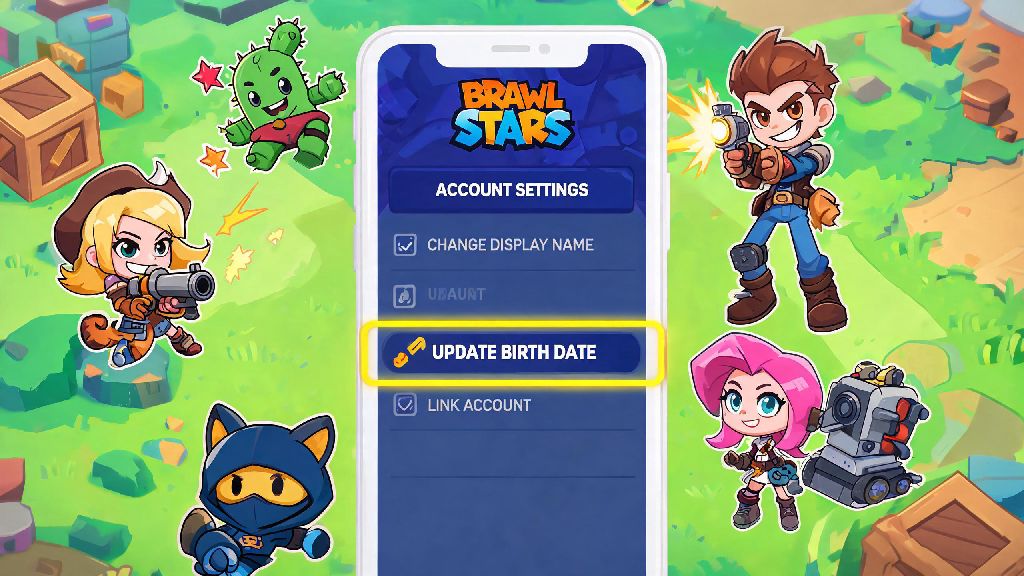
If you rushed through Brawl Stars onboarding when you first signed up, you’re far from alone. Thousands of players accidentally enter the wrong birth date, either picking a year too young that locks them out of chat and competitive modes, or entering an older age by mistake that exposes them to unmoderated content they don’t want to see. Learning how to change your age on Brawl Stars is a common need for new and casual players, but there are a lot of risky, misleading tips floating around online that can get your account banned permanently. We’re breaking down every official, safe method to update your age, what mistakes to avoid, and how to keep your years of progress intact while making the change.
Is It Actually Possible to Change Your Age on Brawl Stars?
First, let’s get the most common question out of the way: you can’t edit your birth date directly from your in-game settings menu, and for good reason. Supercell is required to follow global child privacy laws like COPPA in the US and GDPR in the EU, so they restrict age changes to official support requests only to prevent minors from lying about their age to access age-restricted features. That doesn’t mean it’s impossible to fix a wrong entry, though – it just means you have to go through the proper channels.
Never use third-party age changer tools that ask for your account login credentials, no matter how legitimate they look. These tools are almost always phishing scams designed to steal your account, your payment info, or install malware on your device. There is no shortcut or hack that lets you change your age without going through Supercell support, and anyone who says otherwise is trying to scam you.
If you entered your age incorrectly by mistake, you have a very high chance of getting it updated for free through official support, as long as you can verify your actual date of birth. If you’re trying to change your age to bypass restrictions for a minor account, you won’t be able to do that without proof of age, and lying to support will only get your account flagged or banned.
Official Methods to Change Your Age on Brawl Stars Safely
The only valid way to update your registered birth date on Brawl Stars is to submit a support request directly through the game. The process is straightforward, and most requests are processed within 1 to 3 business days as long as you provide all the required information. Follow these steps exactly to avoid delays or rejection:
Always be honest in your support request – if you lie about your age to bypass restrictions, support will reject your request and may flag your account for further review. If you’re a minor submitting a request, you’ll need to have a parent or guardian submit it on your behalf, as Supercell requires adult verification for age changes for users under 18.
A lot of players look for quick fixes when they don't want to wait for support responses, especially if they're locked out of features they use to connect with friends. Some will even step away from Brawl Stars temporarily to play casual, no-signup games while they wait for their ticket to be processed, and 777 Game is a popular pick for short, fun breaks between checking support updates. It’s a far better way to pass the time than risking your account with shady third-party tools.
If your request is approved, you’ll get an in-game notification and an email confirming the change, and your account restrictions will be lifted (or applied, if you’re updating to a younger age) immediately. You won’t lose any progress, skins, or battle pass rewards during the process.
Common Mistakes to Avoid When Changing Your Brawl Stars Age
Even if you follow the official steps, small mistakes can lead to your request being rejected, or worse, your account being banned. These are the most common errors players make, and how to avoid them:
First, don’t try to create a new account with a different birth date and transfer your progress to it. Supercell’s account transfer system is designed for moving progress between devices, not for bypassing age restrictions, and both your old and new accounts can be permanently banned if they detect you’re lying about your age to switch accounts. Supercell support will never request your account password or payment info outside of official in-app support channels, so if anyone reaches out to you on social media or Discord offering to change your age for a fee, they’re a scammer, no matter what proof they show you.
Second, don’t submit edited or fake proof of age. Supercell’s support team runs basic checks on all ID submissions, and if they find your ID is altered or fake, they will ban your account permanently with no chance of appeal. If you don’t have a government-issued ID, you can submit a birth certificate, school ID, or medical record that clearly shows your full name and date of birth, as long as it’s unedited. You can blur all other personal information like your address or ID number, as long as your birth date is visible.
Spamming support with duplicate requests can lead to your ticket being ignored entirely, so wait at least 3 business days before following up on your initial request. Support teams handle thousands of tickets a day, and spamming them only slows down the process for everyone, including you. If you haven’t heard back after 3 days, you can send a short follow-up message asking for an update on your ticket.
What to Do If Your Age Change Request Gets Rejected
If your request gets rejected, don’t panic. 90% of rejected age change requests are due to missing or unclear information, not because you did something wrong. First, read the response from support carefully to see what they asked for – usually it’s a clearer copy of your ID, a confirmation from a parent or guardian if you’re under 18, or more details about when you entered the wrong birth date.
If you don’t have the type of ID support is asking for, reply to their message and explain what documentation you do have, and they’ll usually work with you to find an alternative that works. There’s no limit to how many times you can resubmit your request, as long as you provide the information they ask for each time.
Age restrictions are in place to comply with global child privacy laws, so there are no workarounds for players who are too young for certain features. If you’re under 13 and your request to change to an older age is rejected, you’ll still be able to enjoy most of Brawl Stars’ core features: you can play matches, unlock brawlers, progress through the battle pass, and play with friends you already have added. The only restrictions are on global chat, open competitive tournaments, and in-game purchases without parent approval, all of which are in place to keep you safe.
At the end of the day, learning how to change your age on Brawl Stars doesn’t have to be complicated, as long as you stick to official Supercell support channels and are honest about your situation. You won’t get instant results, but following the official steps ensures you keep your account safe and don’t risk losing all the progress you’ve built up over months or years of play. If you have to wait for your request to be processed, use that time to practice with your favorite brawlers or play a few casual matches to pass the time – you’ll have access to all the features you’re eligible for before you know it.