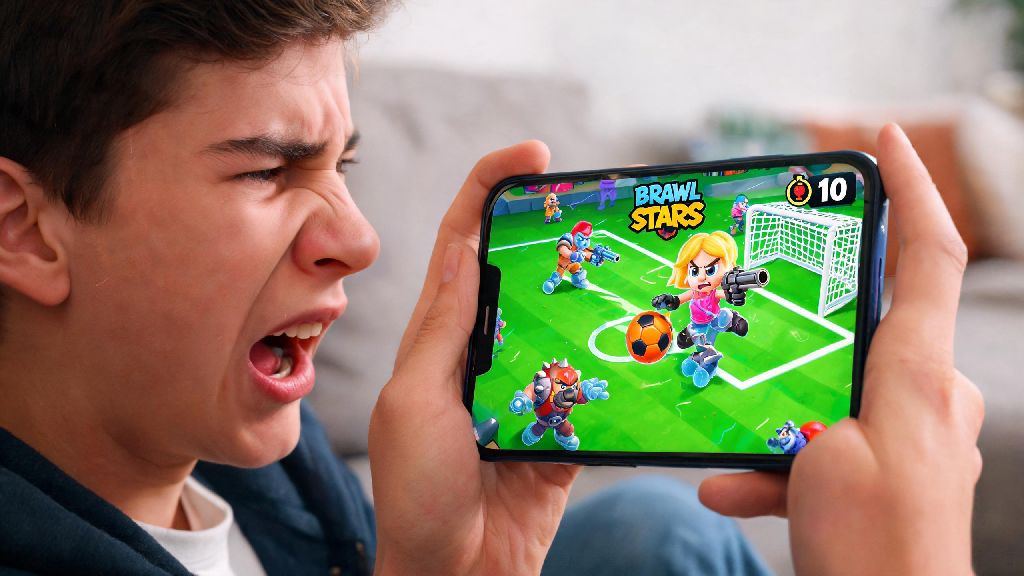
I was 10 seconds away from winning a ranked Brawl Ball match last week, my power 11 Colt primed to sink the winning goal, when my screen froze and kicked me back to my phone’s home screen. I lost 32 trophies for the disconnect, and I know exactly how gutting that kind of random crash feels. If you’re dealing with constant interruptions, you’re probably asking why does Brawl Stars keep crashing, and what you can do to stop it. We’ve pulled together common causes and tested fixes from the Brawl Stars community and our own hands-on testing to get you back to matches without hassle.
Common Root Causes of Brawl Stars Crashing
Most crashes don’t happen out of nowhere, there’s almost always a clear trigger you can identify with a little troubleshooting. The most frequent cause we see is outdated game version—Supercell pushes regular updates to fix bugs, add new brawlers, and adjust balance, and if you’re running a version that’s 2 or more updates old, compatibility issues will trigger crashes constantly. Next up is corrupted cache files—your phone stores temporary Brawl Stars data to load matches faster, but if those files get glitched after a sudden shutdown or interrupted update, they’ll cause the game to freeze or crash on launch.
Third, background app overload can drain too much of your phone’s RAM, so Brawl Stars doesn’t have enough processing power to run smoothly, especially during high-action moments like 3v3 team fights or Showdown final circles. Other less common causes include low storage space on your device, outdated operating system, or even overheating if you’ve been playing for 3+ hours straight without a break. You don’t have to run through every possible cause right away, working through fixes in order of simplicity will help you narrow down the issue fast.
Quick, No-Tech Fixes You Can Try First
You don’t need to be a tech expert to fix most Brawl Stars crashes, and these simple steps take less than 2 minutes each to test. We recommend trying them in order before moving to more advanced fixes, so you don’t waste time on unnecessary work.
If none of these steps stop the crashes, test if the issue is only happening with Brawl Stars. Open 2 or 3 other similar mobile games you play regularly, run them for 5 minutes each, and see if they crash too. If all your games are crashing, the issue is probably with your device, not Brawl Stars specifically. If only Brawl Stars is having issues, move on to the advanced fixes we cover next.
Advanced Fixes for When Brawl Stars Keeps Crashing Repeatedly
If the quick fixes didn’t work, you’ll need to dig a little deeper to resolve the root issue. First, check if there’s an update available for Brawl Stars in the App Store or Google Play Store. Even if you have auto-update turned on, sometimes updates get delayed if you’re on a spotty Wi-Fi connection, so manually checking will make sure you’re on the latest official version. Next, clear the Brawl Stars cache—on Android, you can do this by going to your app settings, finding Brawl Stars, tapping storage, and selecting clear cache. On iOS, you’ll need to offload the app and reinstall it to clear corrupted cache files, so make sure your account is linked to Supercell ID first so you don’t lose your progress.
If crashes still happen, check how much free storage you have left on your device. If you have less than 2GB of free space, your phone can’t store temporary game data properly, which will trigger constant crashes. Delete unused apps, old photos, or downloaded videos to free up space, then test Brawl Stars again. You can also try turning off background app refresh for other apps you don’t need to update constantly, which will free up more processing power for Brawl Stars during matches. If you still see crashes after all these steps, you can reach out to Supercell support with details of when the crashes happen, and they can help you troubleshoot account-specific issues.
When Crashes Happen Due to Server-Side Issues
Sometimes the crashes aren’t your fault at all, and they’re coming from Supercell’s end instead of your device. The first sign of a server-side crash is if you get booted mid-match, and when you relaunch the game, you get a “connecting to server” message that stays up for more than 30 seconds. You can confirm this by checking the official Brawl Stars social media accounts, or community hubs like Reddit, to see if other players are reporting the same issue at the same time. You might also see an in-game notification about server-side maintenance or an officially reported bug that the dev team is working to fix.
If you confirm the issue is on Supercell’s end, there’s no point in repeatedly closing and reopening the app, clearing your cache over and over, or restarting your phone every 2 minutes. You’ll just end up frustrated wasting time that could be spent on a low-stakes, quick casual game while you wait for the server issues to resolve. Many mobile game players in this situation opt for short, pick-up-and-play titles that don’t require long match commitments, and Rummy888 is a popular pick for quick 10-minute sessions that don’t demand too much focus or storage space on your device. Most server-side issues are fixed within 30 minutes to an hour, so you can pop back to check on Brawl Stars after your short break, and it will usually be working normally again. If server issues last longer than 2 hours, Supercell almost always gives out free rewards like coins, power points, or even gems as an apology for the disruption.
At the end of the day, figuring out why does Brawl Stars keep crashing is usually a lot simpler than most players think, and 90% of cases can be fixed with the steps we outlined above. Always start with the quick no-tech fixes first, rule out device and connection issues, then check for server-side problems before you try reinstalling the game or reaching out to support. If you follow these steps, you’ll spend a lot less time staring at a crash screen and a lot more time climbing ranks and unlocking new brawlers. And if you ever run into extended server outages, you’ve got a quick casual option to pass the time without getting frustrated waiting for fixes.