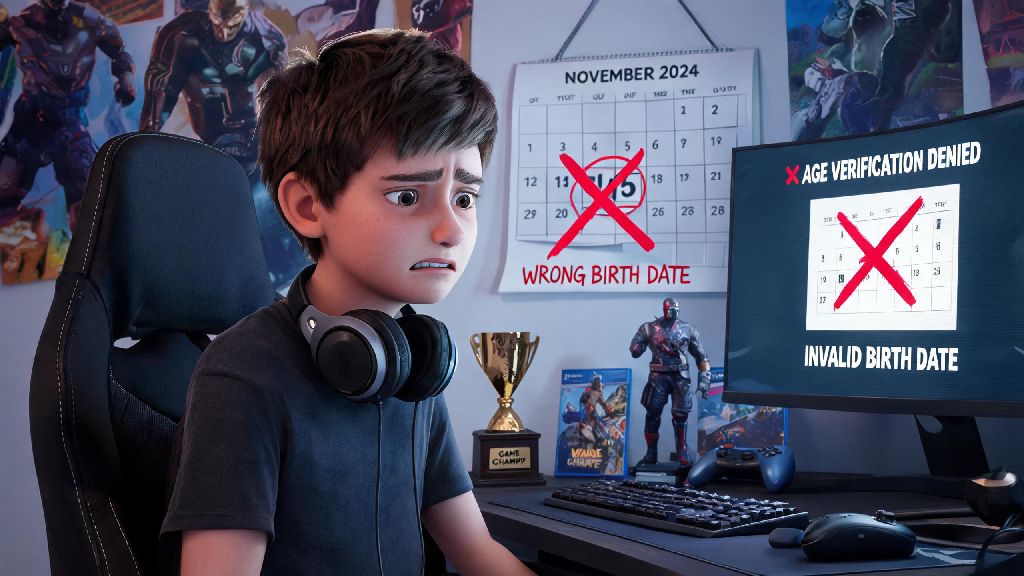
If you’ve ever accidentally typed the wrong birth year when creating your Brawl Stars account, you know how frustrating it is to hit walls with content access or chat restrictions. Many new players enter a fake age to speed through sign-up, only to realize later they’re locked out of social features or in-game purchases that require a minimum age threshold. Figuring out how to change age on Brawl Stars doesn’t have to be a headache, and we’ve tested every legitimate method to help you adjust your settings without risking a ban. We’ll also walk you through what to avoid so you don’t lose all the skins, trophies, and progress you’ve worked so hard to earn.
Common Issues Caused by an Incorrect Birth Date on Your Brawl Stars Account
Most players don’t think twice about the birth date field when they first sign up for Brawl Stars, but entering the wrong age can lead to a host of annoying issues down the line. The first and most common problem is locked social and chat features, which are disabled for users marked as under 13 to comply with COPPA regulations. That means you can’t join clubs, chat with teammates, or participate in community events even if you’re old enough to access those features.
You’ll also run into issues with in-game purchase blocks if your listed age is below the minimum required for spending in your region. Many players report that they can’t buy the Brawl Pass or limited-time skins even when they have funds linked to their account, all because of a wrong birth date entry. In worst-case scenarios, accounts marked as far under the minimum age can face temporary or permanent restrictions if the system flags conflicting activity, like attempts to make purchases from an account listed as belonging to a 7-year-old.
Legitimate Steps to Change Age on Brawl Stars Safely
Supercell has strict rules around age changes to prevent kids from bypassing safety restrictions, but they do allow adjustments if you can prove you entered your birth date by mistake. Follow these steps exactly to avoid putting your account at risk:
It’s important to note that Supercell only approves age change requests for accounts that originally had an incorrect birth date entered by accident. You won’t get approved if you’re intentionally trying to raise your age to bypass restrictions if you’re actually under the minimum required age for certain features. If you’re still unsure about how to change age on Brawl Stars after reading the steps, you can browse the official help center for additional answers to common questions. If your request is denied, you can follow up once with additional proof of age, but repeated requests without new documentation will be ignored.
What Happens If You Try to Fake Your Age to Bypass Restrictions?
Lots of players look for quick fixes for how to change age on Brawl Stars without going through Supercell support, but almost all of these methods come with serious risks. The most common trick people share online is creating a new Supercell ID with a fake birth date and linking your existing account to it, but this almost always backfires. Supercell’s system automatically flags accounts that have conflicting age data across different linked services, and you could end up with a permanent account ban with no way to recover your progress.
You also might see third-party tools online that claim to edit your account settings directly, but these are almost always scams. They’ll ask for your account login information, then steal your account, sell your skins, or lock you out entirely with no way to get it back. Even if a tool seems to work at first, Supercell will eventually detect the unauthorized change to your account data, and you’ll face restrictions far worse than the original chat or purchase blocks you were trying to fix. So it's never worth cutting corners here—following the official support process is the only safe way to adjust your age.
Tips to Avoid Needing to Adjust Your Age Later On
The easiest way to avoid the hassle of figuring out how to change age on Brawl Stars later is to get your settings right when you first create your account. First, always enter your real, accurate birth date when you sign up, even if you think you don’t need certain features right now. You might want to join a club or buy a Brawl Pass later on, and fixing the age issue after the fact is way more work than taking 10 seconds to type the correct date when you sign up.
If you’re a parent setting up an account for your kid, enter their actual age instead of raising it to skip restrictions. Supercell’s kid safety features are there to protect them from inappropriate content and unapproved purchases, and you can use parental controls on your app store to manage their spending instead of faking their age. You should also double-check all account settings when you link your Brawl Stars account to a new device or platform, like Google Play, Apple ID, or Supercell ID. Sometimes linked accounts can pull incorrect age data from other platforms, so confirm your birth date is listed correctly after every link to avoid surprise restrictions later.
Messing up your birth date on Brawl Stars is a common mistake, but it’s fixable as long as you follow the official process. Knowing how to change age on Brawl Stars the right way will save you from losing years of progress, missing out on fun community features, or getting scammed by fake third-party tools. Take the time to go through Supercell’s support request process if you have an incorrect age on your account, and always double-check your settings when you sign up to avoid the issue entirely. You’ll be back to brawling with your club, grabbing limited skins, and enjoying all the game has to offer in no time.